Lens Builder

Investor Deck · 2026
The spatial, real-time digital twins
for AI data centers.
Design, simulate and validate your build in the browser — in minutes, on any vendor's silicon. The accessible alternative to heavyweight twins like NVIDIA Omniverse.
The Problem
The best digital twins exist.
Almost no one can use them.
01
Powerful, but out of reach
NVIDIA Omniverse DSX is the gold standard — and genuinely higher-fidelity. But it's gigawatt-scale, hyperscaler-only: RTX clusters, a 30-partner toolchain, expensive and slow to stand up.
02
Locked to NVIDIA
It's built on Omniverse and centered on NVIDIA silicon — like CINTA. Want AMD or Google TPU and it doesn't serve you.
→
So most builders fly blind
The thousands of teams building sub-50MW AI sites have no real-time twin they can actually run. That's the gap we're going after.
The Solution
The real-time digital twins you can actually run.
We're not out to out-simulate Omniverse — we're the accessible version. Our own engine, in the browser, that carries a project from design to cost to deployment — and connects the two sides of every build: buyers who need a site, and suppliers who build it.
Real-time & in-browserSimulate in seconds — no RTX cluster, no consultants
Vendor-neutralNVIDIA, AMD, Google TPU — everything downstream just works
SpatialLay it out in 3D; simulate power, cooling, capacity live
End to endDesign → cost → deploy, in one tool
DEMO
See it work:
buyer to validated build
A buyer describes intent to the setup agent, gets validated options, then the build flows to a matched supplier — equipment library, define & generate, simulate, package, supplier match, deploy, marketplace on top.
Step 3 · Simulate
“Can this actually operate?”
1.25
PUE
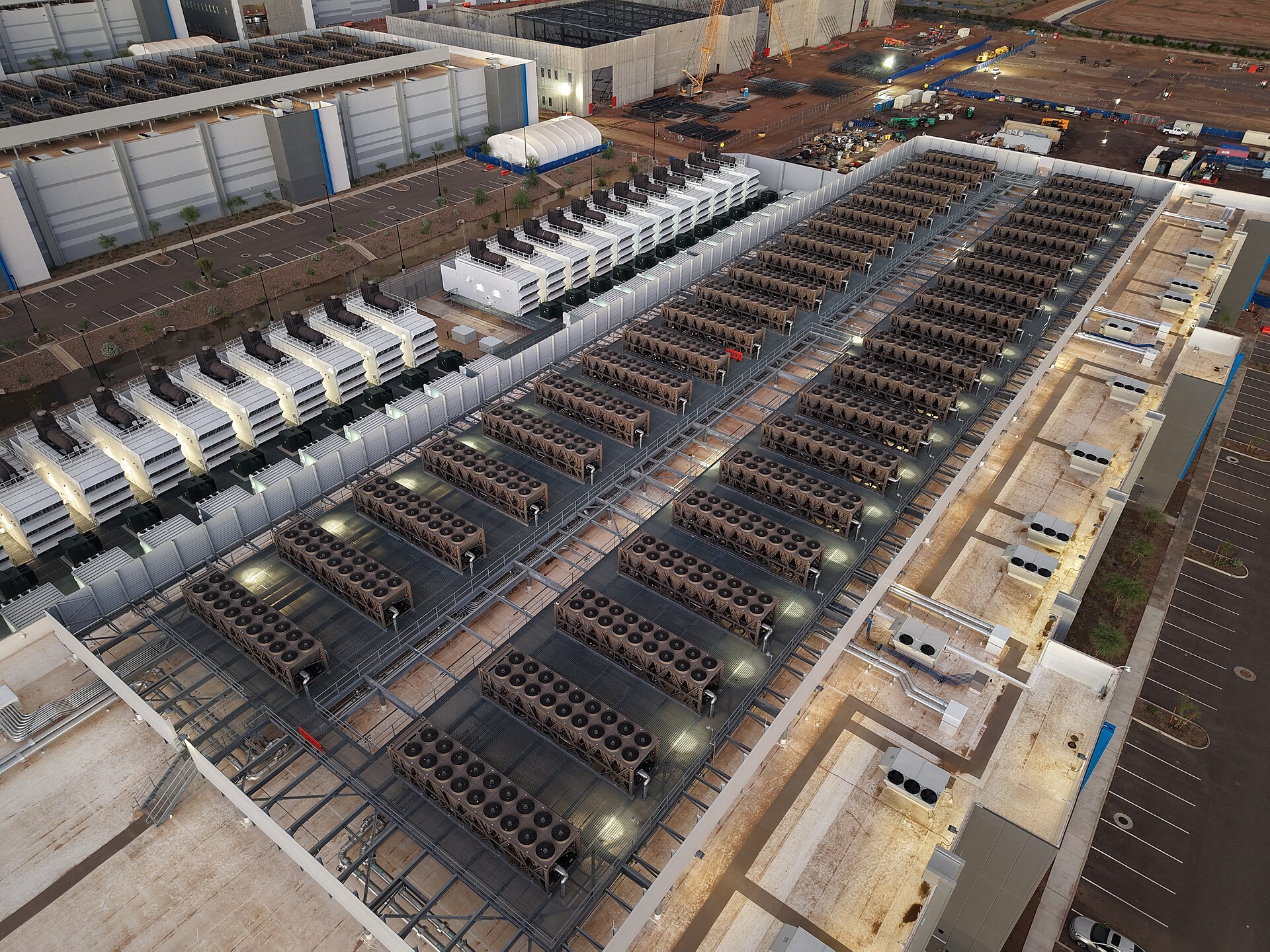
Power & cooling
Climate-aware efficiency drives real energy cost, not a hardcoded number.
Water
m³ / year
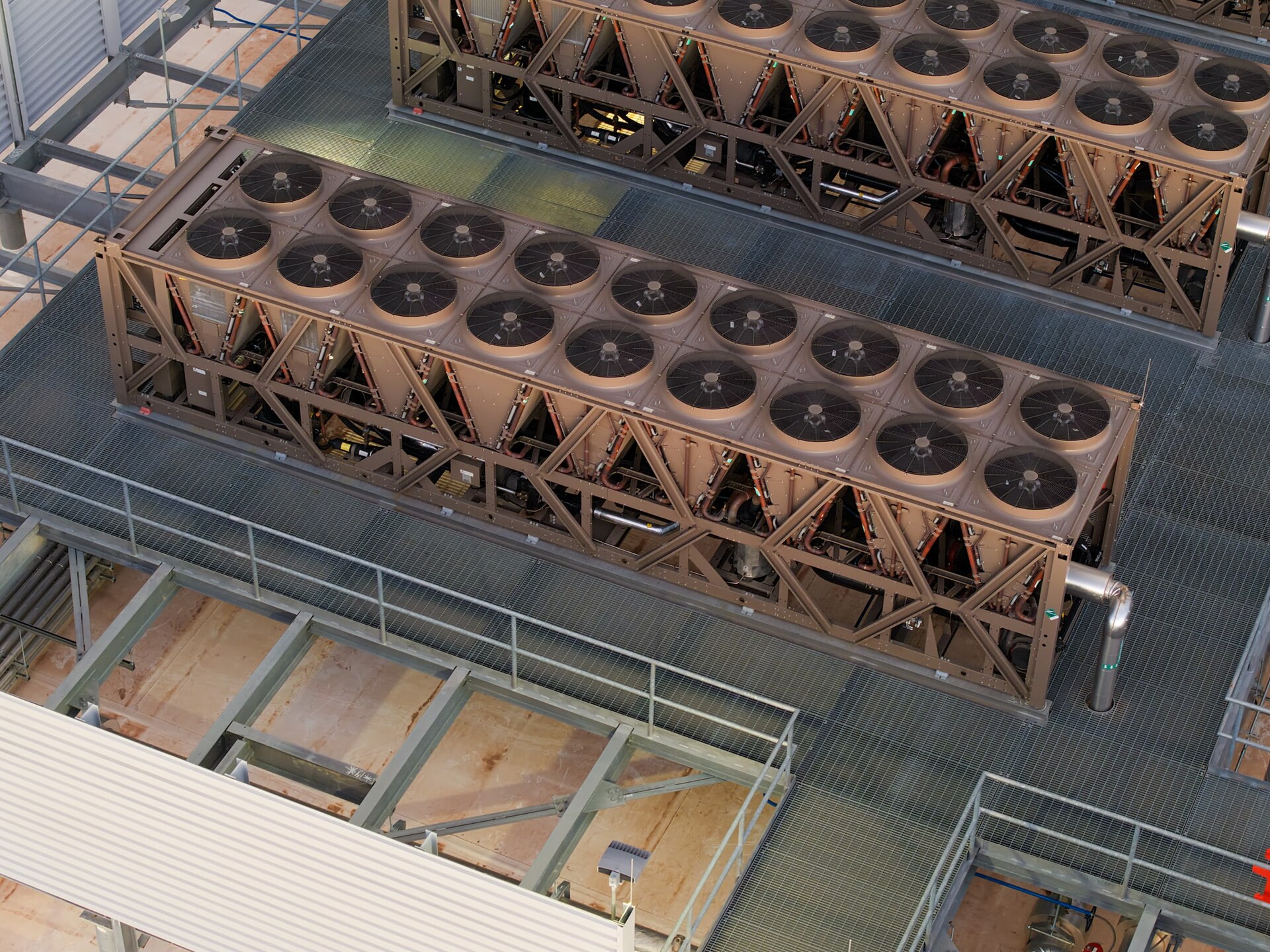
Water & WUE
Evaporative, blowdown, and drift. Air-cooled vs water-cooled, gated.
Tier III
ISO 22237 · Uptime
Compliance, scored live
Capacity, redundancy, and headroom assessed straight from the sim.
Step 4 · Build Package
From plan to a
build package
Everything an EPC, electrical engineer and cooling vendor needs — generated, not assembled by hand.
01
Layout & power
2D/3D layout and power single-line diagrams
02
Cooling & BOM
Cooling diagrams and the full bill of materials
03
Timeline & vendors
Construction schedule and vendor checklist
04
Cost & compliance
CAPEX/OPEX estimate and ISO 22237 score
Step 5 · Deploy
We carry it
through construction
The part nobody else does — Lens follows the build from groundbreaking to final inspection, with a role-based view for every trade.
01
Overview
Live dashboard of the whole build
02
Timeline
Gantt phases and tasks across the build
03
Tasks & materials
Crew board and long-lead procurement
04
Issues & inspections
Live site issues and sign-off checklists
Step 6 · Marketplace
An app layer on top of the data center you just built.
Once the supplier hands the live site back, the marketplace turns it into a platform — hundreds of ready-to-run tools and apps, running on the buyer's own compute.
225+ toolsCommerce + CRM, ERP, Execution, Industry Clouds
Runs on your hardwareThe compute you deployed — your control
Vendors publish, operators pullStraight from the catalog into the live site
Business Model
A software business, with room to grow
Core revenue
License the tool
Lens is sold to data-center builders, EPCs, and operators as a design-and-deploy platform. The tool is the business.
Seat / project licensing
Recurring, predictable
Expansion
Two-sided platform
Buyers design through the setup agent; suppliers list equipment and get matched to builds. An apps marketplace runs on top. Network effects that compound the tool, not the engine.
Buyer agent + supplier matchmaking
Equipment library + apps on top
The Vision
The spatial, real-time digital twins for the next
10,000 AI data centers.
”Thousands of new AI sites, on every vendor's silicon. They need digital twins they can actually run — spatial, real-time, vendor-neutral, in the browser. The accessible alternative, not a gigawatt toolchain.”